Best Budgeting Apps of 2026: Reviewed and Ranked for Every Type of Spender
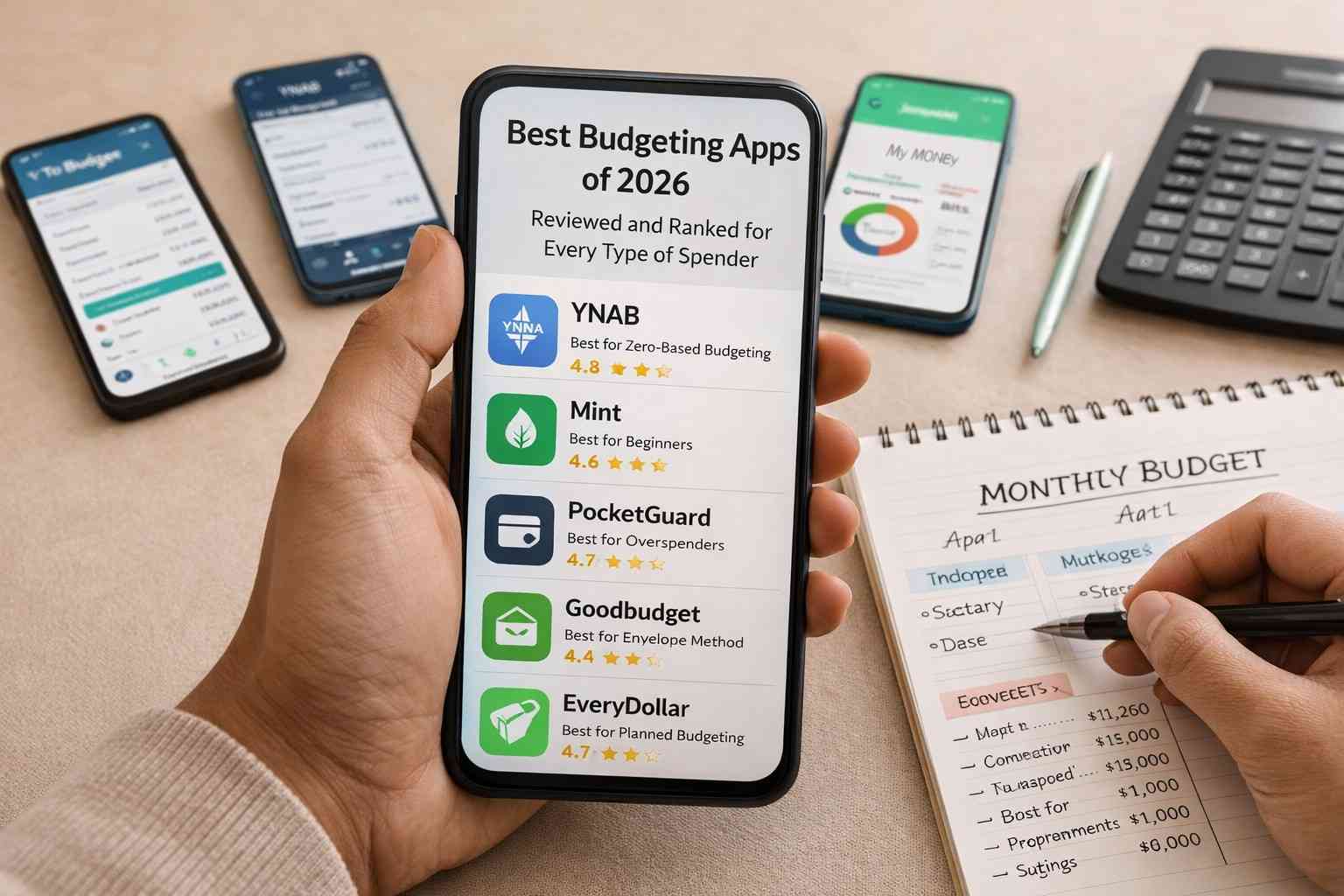
Introduction: Best Budgeting Apps of 2026
Finding the right budgeting app sounds simple until you actually start looking. There are dozens of options, each claiming to be the best, each with a different set of features, pricing models, and design philosophies. After a while, comparing them feels more exhausting than just not budgeting at all.
The best budgeting apps of 2026 aren’t the ones with the most features. They’re the ones that match how you actually spend, track, and think about money. A powerful app that you open twice and abandon is useless. A simple app you check every Sunday is genuinely valuable.
This guide reviews and ranks the most relevant budgeting apps available in 2026 — honestly, without promotional language — so you can find one that fits your real life, not just a marketing description.
What Makes a Budgeting App Actually Good
Before getting into specific apps, it’s worth understanding what separates a genuinely useful budgeting tool from one that just looks impressive in screenshots.
The best budgeting apps of 2026 share a few qualities that matter more than any individual feature. They’re easy enough to open daily without friction. They show you your spending picture clearly and quickly. They work with how you actually transact — whether that’s UPI, cards, cash, or a mix of all three.
An app that requires 20 minutes of manual data entry every day isn’t a budgeting tool. It’s a chore. The best ones reduce the effort of staying financially aware, not increase it.
How These Apps Were Evaluated
Every app in this list was evaluated on five practical criteria: ease of setup, transaction tracking accuracy, category customization, usefulness of insights, and value relative to cost.
No app was included because of sponsorship or popularity alone. Several well-known apps were left off this list because they simply don’t deliver on their promises consistently in 2026. What matters here is what actually works for real users managing real monthly finances.
1. YNAB (You Need A Budget) — Best for Serious Zero-Based Budgeters
YNAB has been around for years and remains one of the best budgeting apps of 2026 for people who want full intentional control over every rupee or dollar they earn.
The entire app is built around zero-based budgeting philosophy. Every transaction gets assigned to a category. Every category has a limit. When a category runs dry, you make a conscious decision to move money from somewhere else — and that decision-making is exactly the point.
What Makes It Stand Out
YNAB doesn’t just track what happened. It helps you plan what should happen. The “age your money” feature encourages you to build a buffer so you’re spending last month’s income this month — a genuinely powerful habit for anyone trying to break the paycheck-to-paycheck cycle.
The reporting section shows spending trends over time in a clean, readable way. After three months of use, you’ll have clear data on exactly which categories cause consistent budget problems — and that information is far more useful than a generic “you spent too much” notification.
Who Should Use It
YNAB suits people who are committed to budgeting seriously — those paying off debt aggressively, freelancers managing irregular income, or families with multiple competing financial goals. If you’ve read about zero-based budgeting and it resonates with you, this guide on how to build a zero-based budget from scratch pairs perfectly with YNAB’s approach.
The Honest Downside
YNAB costs around $14.99 per month or $99 per year — which, in rupees, is a real expense. There’s a free trial period, but after that you’re paying for the tool. For someone already tight on finances, that subscription cost is a genuine consideration.
2. Walnut — Best Free App for Indian UPI Users
For anyone living in India and spending primarily through UPI, Walnut is comfortably one of the best budgeting apps of 2026 for day-to-day expense tracking.
The app reads your SMS transaction alerts automatically — from UPI payments, bank debits, credit card charges, and ATM withdrawals — and builds your spending picture without you lifting a finger. No manual entry required for most transactions.
What Makes It Stand Out
The automatic SMS parsing is genuinely impressive. Within a week of installing Walnut, most users already have a fairly complete picture of their spending across categories — without having done anything manually.
The category breakdown is clean and easy to read on an Android phone. You can see at a glance how much went to food, transport, shopping, and utilities. For someone who has never tracked spending before, this visibility alone can be eye-opening.
It’s completely free, which removes one of the biggest barriers people have to starting a financial tracking habit.
Who Should Use It
Walnut is ideal for beginners who want to start understanding their spending without commitment to a complex system. It’s also great for people who’ve tried manual tracking apps and given up — the automation removes the daily friction that kills most budgeting habits.
The Honest Downside
Walnut is better at tracking than at planning. It tells you what happened with your money very well. It doesn’t help you decide in advance where your money should go — which is the more powerful financial habit. For that level of planning, you’d need to combine Walnut with a simple spreadsheet or graduate to a more structured app.
3. Money Manager — Best for Detailed Manual Trackers
Money Manager is one of the best budgeting apps of 2026 for people who actually like logging transactions manually — and there are more of those people than you’d expect.
The app gives you complete control. You enter every transaction yourself, assign it to a category, add notes if needed, and the app builds detailed reports from that data. It sounds tedious, but for many users the act of manually logging a purchase creates exactly the kind of psychological friction that slows down unnecessary spending.
What Makes It Stand Out
The reporting in Money Manager is genuinely detailed. You can view spending by day, week, month, or custom date range. The visual breakdowns — pie charts, bar graphs, calendar views — give you multiple ways to understand your patterns.
It also handles multiple accounts well. If you have a salary account, a savings account, and a separate investment account, Money Manager lets you track all three from one interface without confusion.
The app has a one-time purchase option, which means no ongoing subscription cost. For users who find YNAB’s monthly fee hard to justify, this is a meaningful alternative.
Who Should Use It
Manual trackers, detail-oriented people, and anyone who wants complete customization of their category structure. Also good for small business owners or freelancers who need to separate personal and professional expenses clearly.
The Honest Downside
If you don’t log transactions consistently — ideally the same day they happen — the app loses its value quickly. A week of missed entries means a week of missing data, and reconstructing past transactions from memory defeats the purpose entirely.
4. Google Sheets (Custom Budget Template) — Best Free Flexible Option
Technically not an app in the traditional sense, but Google Sheets running a custom budget template is genuinely one of the best budgeting apps of 2026 setups for people who want maximum flexibility at zero cost.
On an Android phone, Google Sheets works smoothly. You can build a budget template once and update it monthly in minutes. The structure is entirely yours — categories, formulas, visual layout, everything.
What Makes It Stand Out
No app makes assumptions about how your finances work. Google Sheets doesn’t. You decide what categories exist, how they’re calculated, what the dashboard looks like, and what data gets tracked. That flexibility is something no off-the-shelf app can fully match.
For someone who has read about the best budgeting apps of 2026 and still feels like nothing quite fits their specific situation — building a custom Google Sheet is almost always the answer.
It’s also permanently free, works offline, syncs across devices automatically, and requires no new accounts or permissions beyond a Google login you likely already have.
Who Should Use It
Technically comfortable users who are frustrated by app limitations. Also ideal for people who want to combine budgeting with goal tracking, net worth calculation, or debt payoff timelines in one document — things no single app does perfectly.
The Honest Downside
There’s a setup cost. Building a useful budget template from scratch takes two to three hours if you’ve never done it before. And unlike SMS-parsing apps, every transaction has to be entered manually. For people who want automation, this isn’t the right fit.
5. Spendee — Best for Visual Thinkers and Couples
Spendee consistently earns its place among the best budgeting apps of 2026 for users who respond better to visual information than text-heavy dashboards.
The app uses color-coded wallets, visual spending breakdowns, and an intuitive calendar view that makes financial data feel approachable rather than intimidating. It’s genuinely one of the more attractive budgeting interfaces available.
What Makes It Stand Out
The shared wallet feature is Spendee’s most distinctive capability. Couples or families can create a shared wallet where both people log transactions, and everyone sees the same real-time picture of household spending. This solves one of the most common budgeting problems for people managing shared finances — the lack of a single, transparent view that both parties can access and trust.
Budget alerts notify you when a category is approaching its limit, which helps prevent overspending before it happens rather than just documenting it afterward.
Who Should Use It
Couples managing joint expenses, visual learners who find traditional spreadsheets uninspiring, and anyone who has bounced between multiple apps looking for something that feels genuinely pleasant to use daily.
The Honest Downside
The free version has meaningful limitations — you can connect only one bank account and access basic features. The premium version unlocks the more useful capabilities, including bank sync and unlimited wallets, but it comes with a subscription cost similar to other paid apps in this space.
6. Goodbudget — Best Digital Envelope Method App
For people who love the psychological logic of the envelope method but can’t practically use physical cash for most spending, Goodbudget is one of the best budgeting apps of 2026 solutions to that specific problem.
The app replicates the envelope system digitally. You create virtual envelopes for each spending category, fund them at the start of the month, and deduct from the relevant envelope each time you spend. When an envelope hits zero, that category is done.
What Makes It Stand Out
Goodbudget captures the behavioral benefit of envelope budgeting — the awareness that a category has a hard limit — without requiring you to carry cash or deal with physical envelopes. You get the psychological friction of the envelope system with the convenience of a digital app.
It also syncs across devices, which means couples or family members can share envelopes and see the same real-time balances even from different phones.
For anyone who found the envelope method appealing in concept but impractical in execution, this overview of budgeting methods including envelope and zero-based approaches explains how Goodbudget fits into a broader financial strategy.
Who Should Use It
People transitioning from physical cash envelopes to digital, couples who want category-level spending limits they both respect, and anyone motivated by the “envelope is empty, stop spending” rule who needs a digital version of that constraint.
The Honest Downside
Transaction entry is manual — there’s no automatic SMS parsing or bank sync in the free version. Like Money Manager, this means the app only works if you log transactions consistently and promptly.
7. Mint (and Its Alternatives) — A Note on Changing Landscape
Mint, once one of the most popular budgeting apps globally, shut down in early 2024. Many of its users migrated to alternatives — primarily Credit Karma, Monarch Money, and NerdWallet’s built-in tools.
This shift is worth noting when evaluating the best budgeting apps of 2026 because several “best app” lists online still include Mint without acknowledging it no longer exists. Always verify that an app you’re considering is currently active and maintained before investing time in setting it up.
Monarch Money has emerged as a strong Mint alternative for users who want automated bank syncing combined with goal-based budgeting. It’s worth a look if you’re coming from a Mint background and want something with similar automation but better planning features.
Choosing the Right App for Your Spending Type
After reviewing all of the best budgeting apps of 2026, the decision ultimately comes down to four questions about how you actually live.
How do you primarily transact? Mostly UPI and cards — Walnut or Spendee. Mostly manual or mixed — Money Manager or Google Sheets. Want envelope-style limits digitally — Goodbudget. Want full zero-based control — YNAB.
How much time can you give this weekly? Five minutes or less — Walnut’s automation is your friend. Ten to twenty minutes — Money Manager or Goodbudget. Thirty minutes or more — YNAB or a custom Google Sheet.
Do you share finances with someone? Spendee or Goodbudget handle shared budgeting most naturally. YNAB also has couple-friendly features in its premium plan.
What’s your budget for a budgeting app? Free only — Walnut, Goodbudget free tier, or Google Sheets. Willing to pay for the right tool — YNAB or Spendee premium.
The Habit Matters More Than the App
Here’s something worth saying plainly after reviewing all these best budgeting apps of 2026: the app is not the solution. The habit is.
An app change doesn’t fix spending habits. Downloading YNAB doesn’t make you a zero-based budgeter. Installing Walnut doesn’t make you financially aware. The app just makes the habit easier or harder to maintain.
The single most important thing you can do after choosing from this list is open the app the same time every week — even if just for five minutes — and actually look at the numbers. That consistent engagement, more than any feature or algorithm, is what turns a budgeting app into a genuinely useful financial tool.
Pick the app that feels least intimidating. Start imperfectly. Improve as the habit settles. The best app for you is whichever one you’re still using three months from now.
Final Conclusion
The best budgeting apps of 2026 cover a wide range of approaches — from fully automated tracking to manual entry, from zero-based planning to digital envelope systems. That variety exists because people manage money differently, and no single app works equally well for everyone.
YNAB leads for serious planners who want full control. Walnut leads for Indian UPI users who want effortless tracking. Money Manager suits detail-oriented manual trackers. Google Sheets wins for flexibility and zero cost. Spendee serves couples and visual thinkers. Goodbudget brings the envelope method into the digital age.
None of these best budgeting apps of 2026 will manage your money for you. But the right one will make it significantly easier to manage it yourself — and that’s exactly what a good tool should do.
Start with one. Give it a genuine three-month trial. And adjust from there.


Post Comment